

Clear your screenshots. Keep your promises.
Your camera roll is full of things you meant to do. Heldtrue will find them, show how it read every date, and send them where you already work.
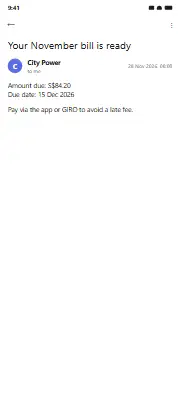
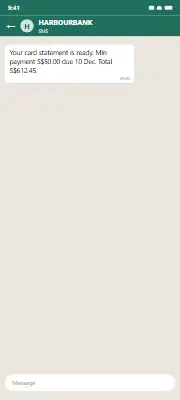
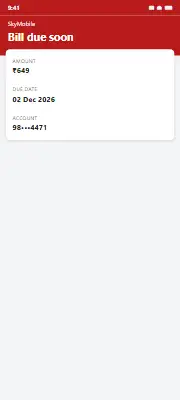
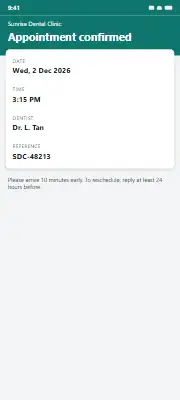
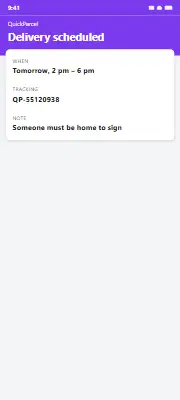
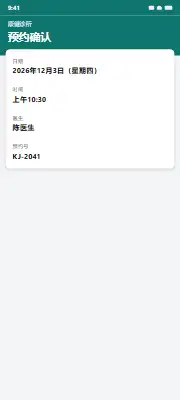
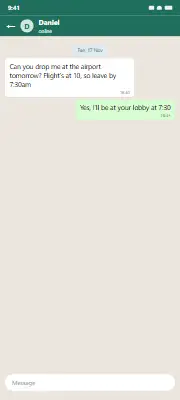
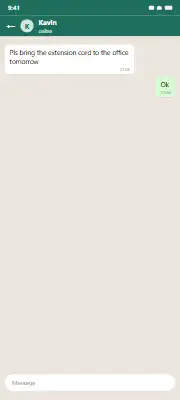
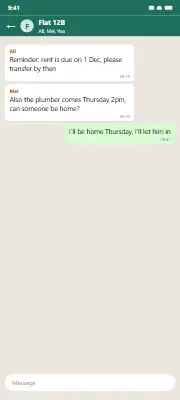
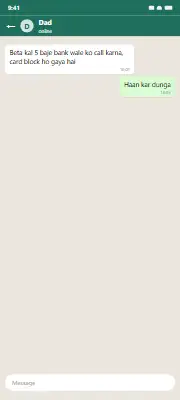
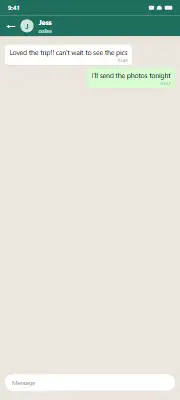
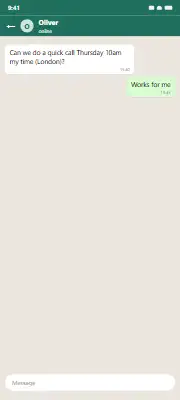
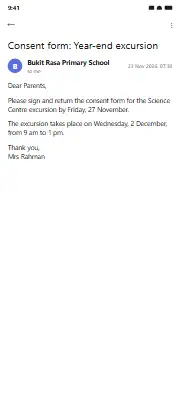
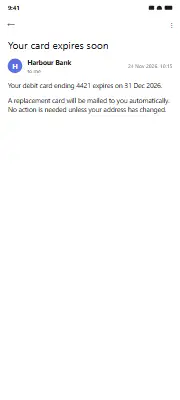
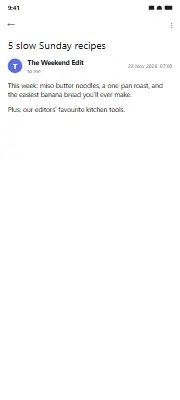
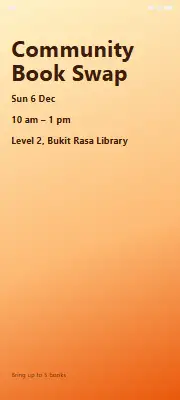
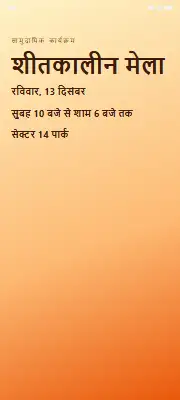

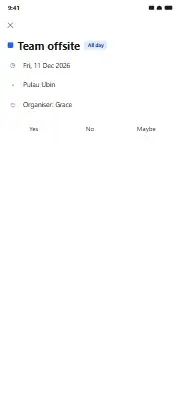
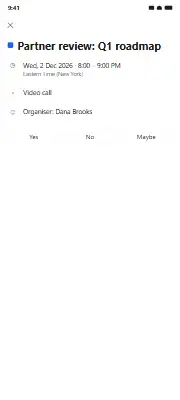
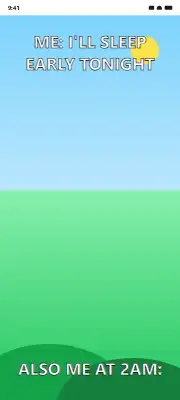
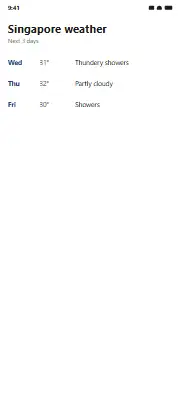
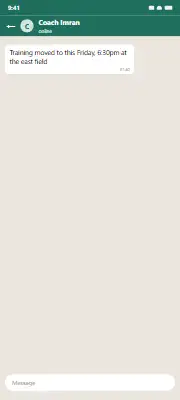
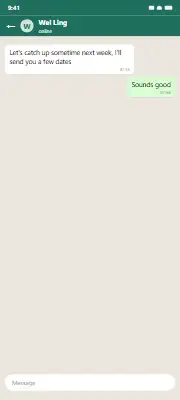
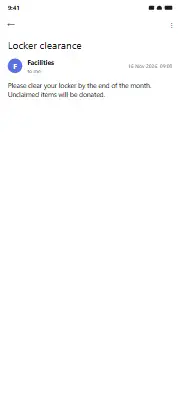
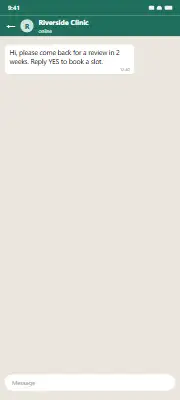
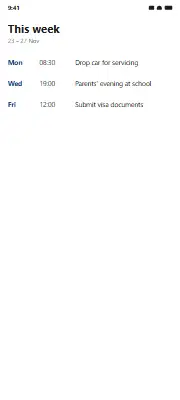
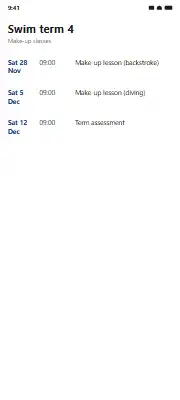
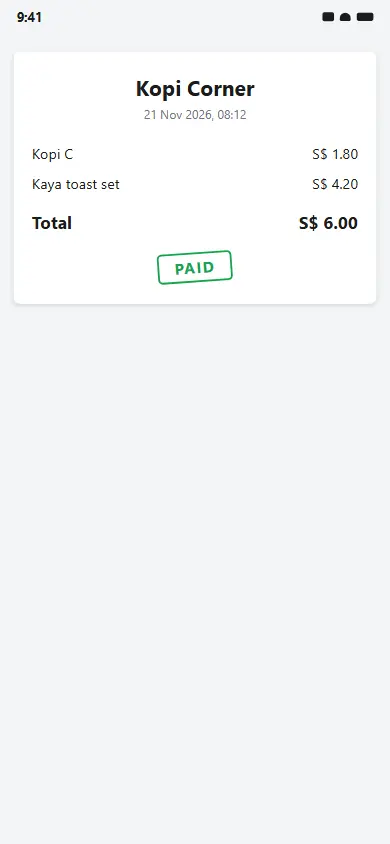
It will look through all of them, on your phone.
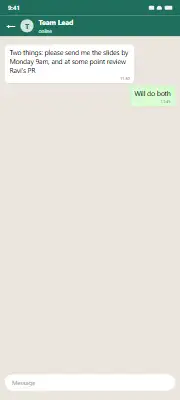
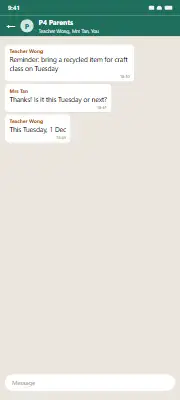
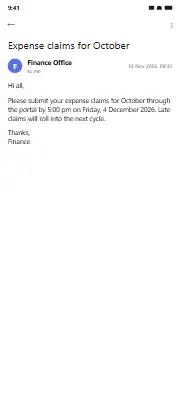
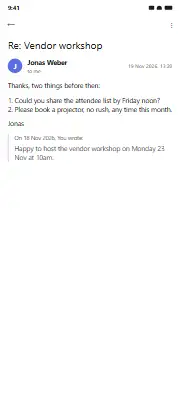
Most are memes, receipts you already paid, and chats that need nothing. A few hold a date, a booking, a promise.
Each one becomes a clear card — and shows its working.
When it assumes something, it says so.
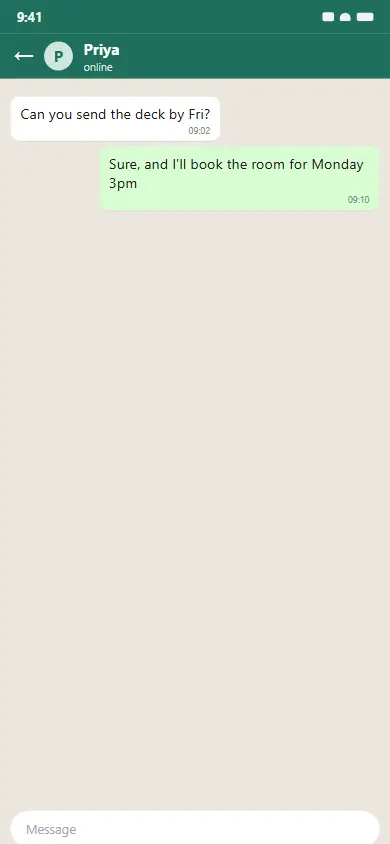
2 items found in the chat
-
Send the deck by Friday
- ‘Fri’ read from the message sent 12 Nov
-
Book the room for Monday
- ‘Monday’ read from the message sent 12 Nov
Coming soon: send it where you already work.
It will send to your calendar, your task list or a message. No new list to look after.
Calendar
Join the quarterly EMEA syncThu 26 Nov, 5 pmTask list
Send the deck by FridayFri 13 Nov
Cleared.
The aim: the backlog gone, and the things that mattered where they belong.
Coming soon to Google Play
Screenshots stay on your phone unless you tap Look closer.
Look closer is the one way a screenshot image leaves your phone, and only when you tap it on that screenshot. The image is processed and not kept.